ParaView on the cloud

Post-process large simulations in ParaView, without downloading them
Open a remote desktop in your browser on a machine with the RAM your results need, and load them in ParaView straight from the cloudHPC storage. Or let cloudHPC-postProcess render a full set of images for you, automatically. You pay only while the machine runs.

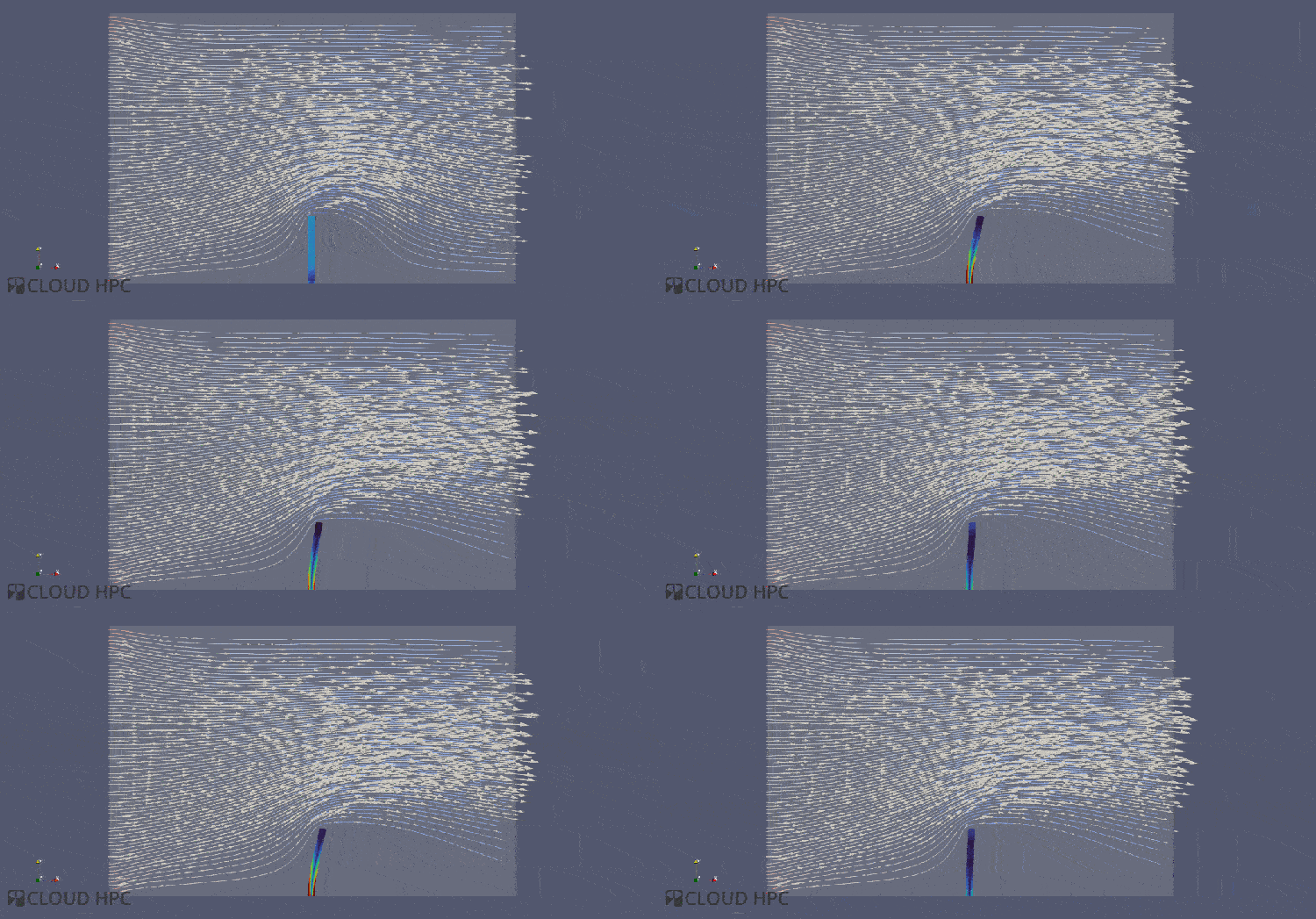
Rendered on cloudHPC
Results from different solvers, post-processed in ParaView on cloudHPC remote desktops or by cloudHPC-postProcess.


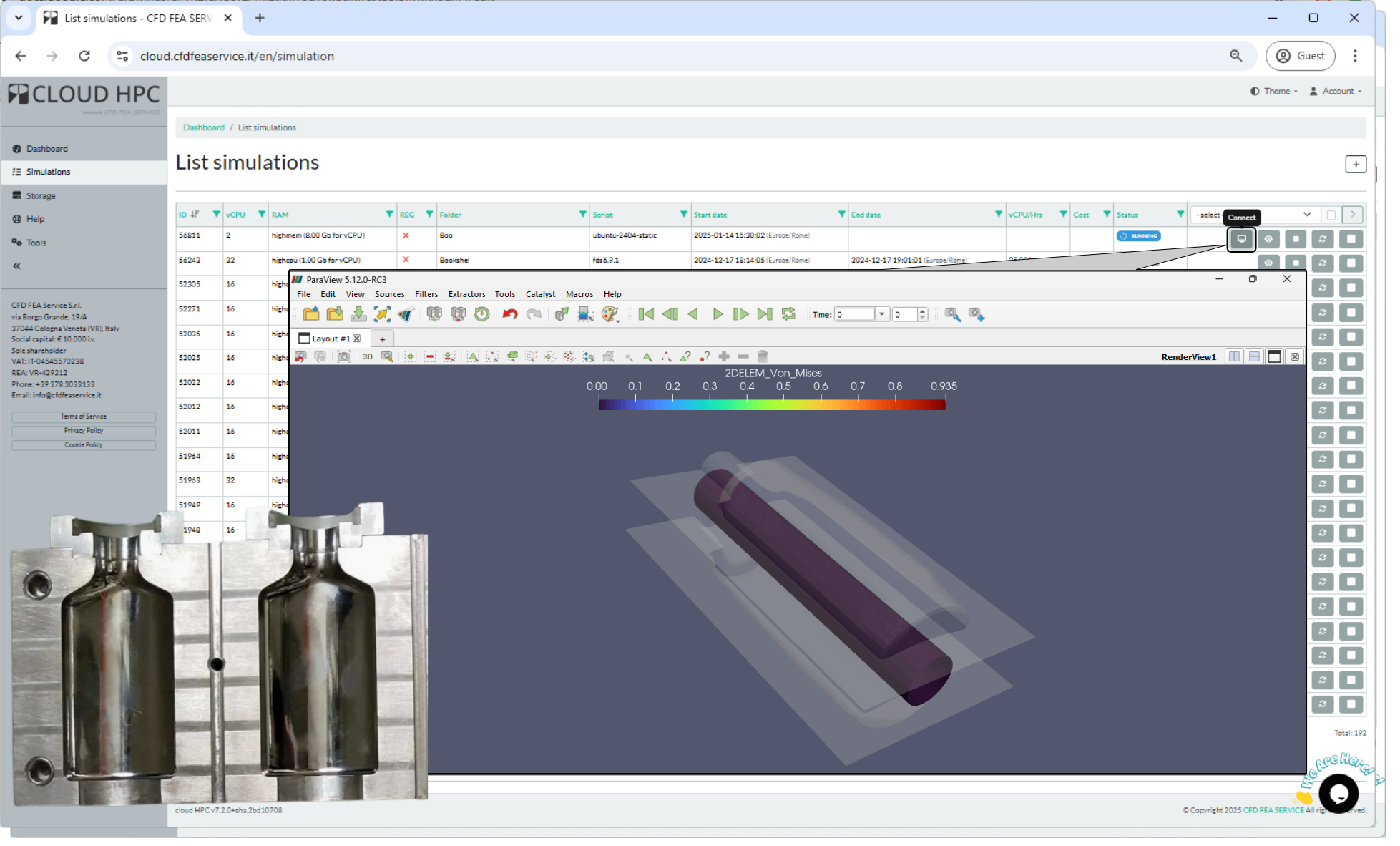

Your results stay where they were computed
ParaView is the open-source reference for visualising and analysing large datasets. On cloudHPC it runs on a remote desktop that reads the same storage as your simulations: no gigabytes to download, no workstation to upgrade.
Sized for the dataset
- Pick the vCPU and RAM the results need, up to 8 GB per vCPU
- Open meshes and time series your laptop cannot load
- Stop the desktop when you are done: billing stops with it
Every common format
- OpenFOAM cases, opened directly from
case.foam - VTK, VTM, EnSight and CGNS
- Results from CalculiX, code_aster, SU2, code_saturne and OpenCourant
The full ParaView toolbox
- Slices, clips, isosurfaces, streamlines and volume rendering
- Plots over lines, integrals and statistics
- Animations of transient results
In your browser
- A Linux or Windows desktop, from any computer
- No VPN, no client to install
- Secure, encrypted access over HTTPS
Check a run while it is going
- Sync partial results of a running simulation to your storage
- Open them in ParaView and decide whether to continue, change or stop
Scilab and Python
- Scilab for numerical post-processing, statistics and optimisation
- Python scripts to automate repetitive analysis
cloudHPC-postProcess: images without opening a GUI
Launch cloudHPC-postProcess on a case folder like any other simulation: it reads the results and renders a complete set of images, saved in POSTPROCESS.tar.gz next to your case.
- OpenFOAM, SU2 and code_saturne
- CalculiX and code_aster
- OpenRadioss and OpenCourant
- Any VTK, VTM or EnSight dataset
About 100 GB of RAM is enough for most cases, for example 16 vCPU on highmem. The case files are not modified while the post-processing runs.
What changes compared with your workstation
| Step | On your workstation | On cloudHPC |
|---|---|---|
| Data transfer | Download tens or hundreds of GB of results | Results opened where they were computed |
| Memory | Large meshes do not fit in local RAM | Up to 8 GB of RAM per vCPU, only while you need it |
| Software | Install and update ParaView and readers | ParaView, Scilab and Python ready on the desktop |
| Standard images | Set up the same views by hand for every case | cloudHPC-postProcess renders them automatically |
| Access | Only from the office machine | From any browser, anywhere |
Simulation and post-processing on one platform
Expert support
Our engineers post-process CFD and FEM results every day and can help you build your views, filters and scripts.
Pay per use
No subscription: you pay per vCPU hour, only while the desktop runs. Check the cost with the price calculator.
Automate with the API
Launch simulations and post-processing in sequence from your own scripts with the cloudHPC API. The platform is ISO 27001 certified.
From results to images in four steps
- Register on cloudHPC and activate your account.
- Run your simulation on cloudHPC, or upload existing results.
- Start a remote desktop and open ParaView, or launch cloudHPC-postProcess.
- Stop the desktop when you are done, and keep only the images you need.
Open your next results in the cloud
Create your account and get 300 free vCPU hours to try ParaView on your own data.